
ONYX Kids · A Useful World
A tablet where your child learns and plays, and you can relax.
Lessons from the Palestinian curriculum, just as in the school books, games that teach numbers, reading and thinking, and Bubu the owl, who reads everything aloud.

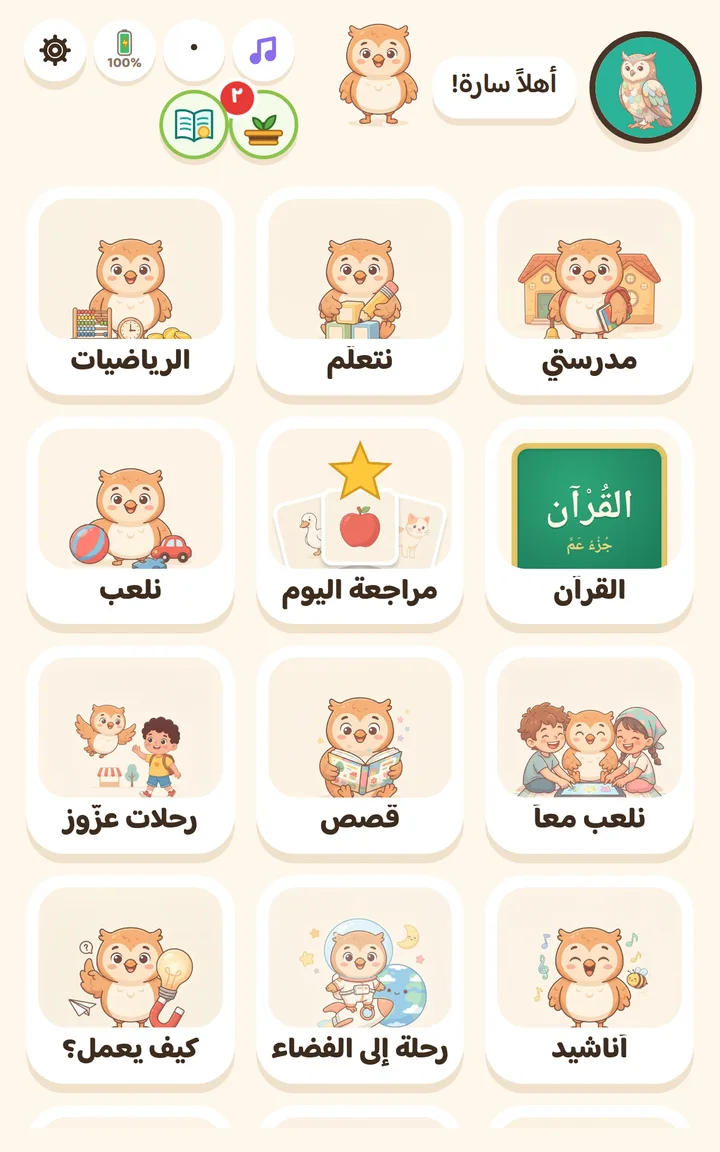
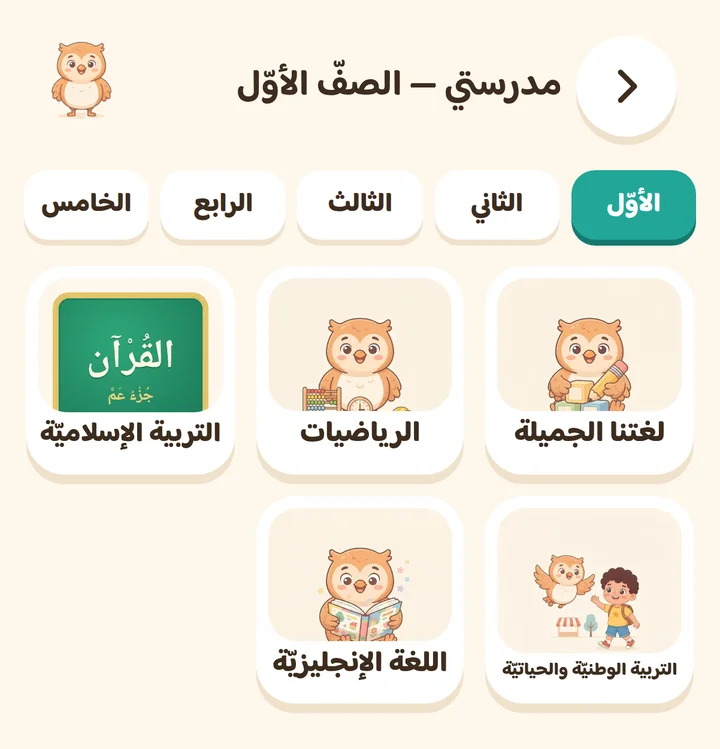
My school
Every subject from the grade's books, in the books' own order: Arabic, maths, Islamic or Christian education, science, English and more. Your child picks their grade and finds the lessons in the same order as at school.
Read more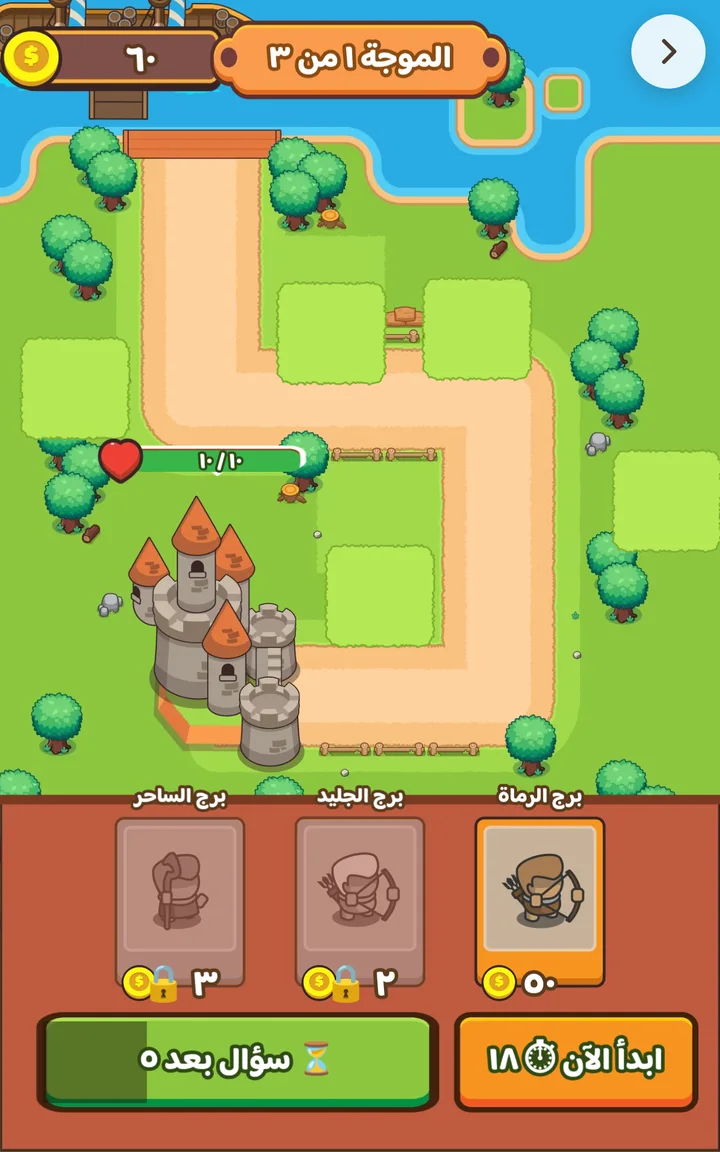
Games that teach
Defend a castle by answering sums, find the way through a maze, solve a picture sudoku. Every game starts at your child's level and grows with them.
Read more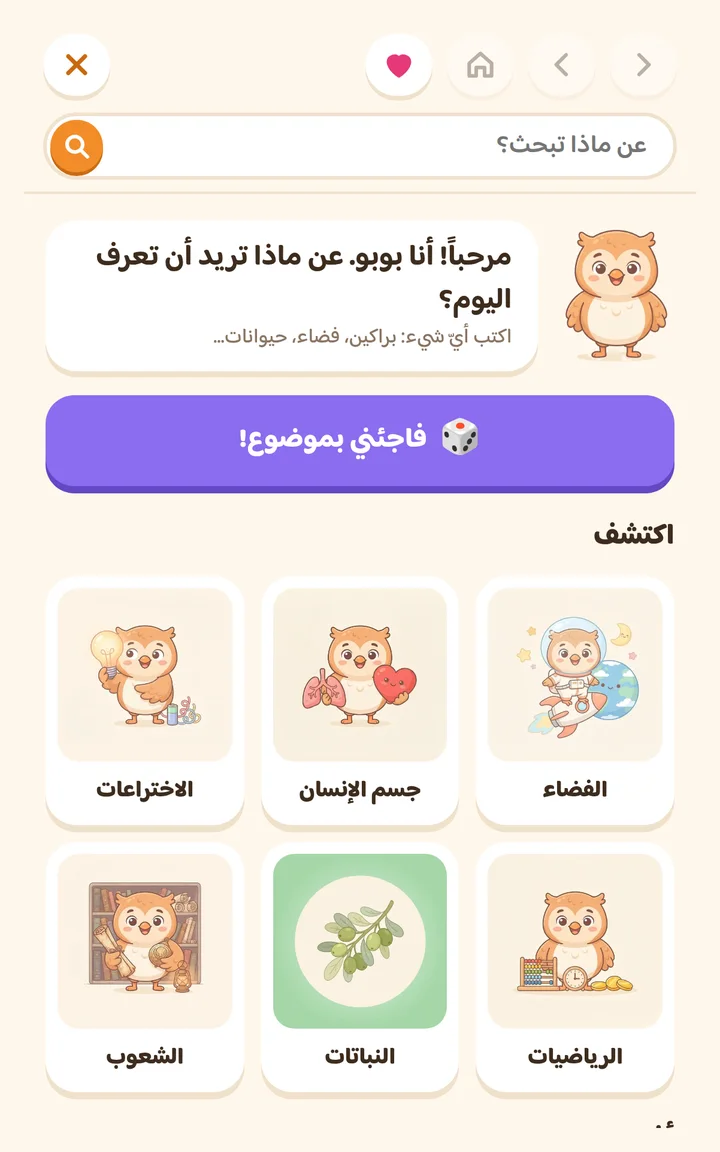
Bubu's encyclopedia
Space, animals, plants, the human body: your child reads and looks through pictures in an encyclopedia written for children, kept on the tablet itself.
You decide, from your phone
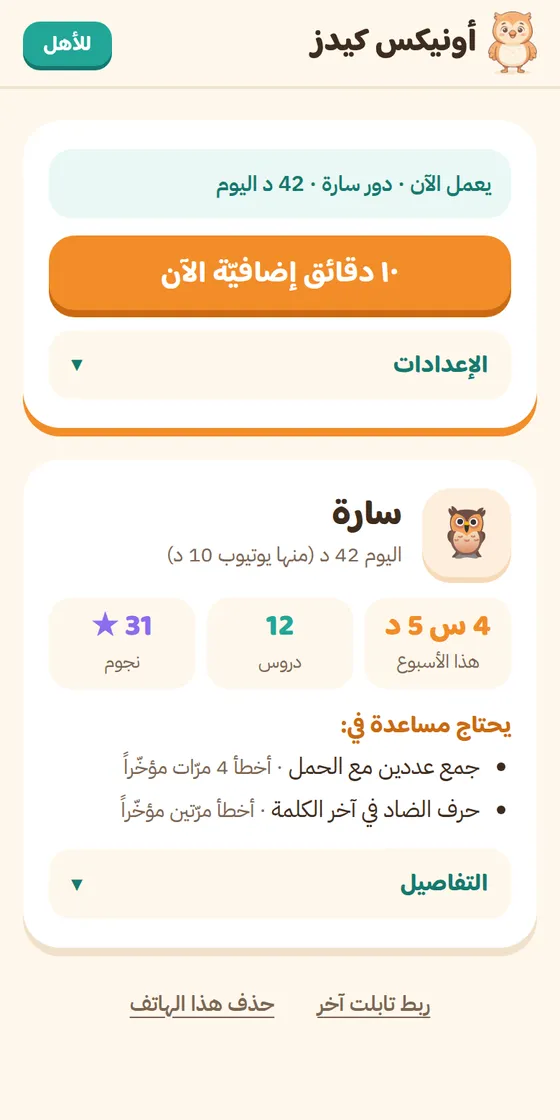
Link your phone to the tablet once with a six-digit code, then open the parents' page whenever you like:
- Daily play time, and the bedtime when the tablet stops.
- What each child learned today: minutes, lessons, stars, and where they struggle.
- Ten more minutes with one tap, or a new code for grown-ups.
- YouTube only if you allow it, for the time you choose.
And print worksheets from any lesson, with the answer sheet for you.
A tablet for a child, not an open phone
Your child stays in the app
The tablet is locked to ONYX Kids. No app store, no browser, no messages from strangers.
Works without internet
Lessons, games and the encyclopedia live on the tablet. The internet is only for updates.
Updates itself
New lessons and games arrive almost every week, with nothing for you to do.
Asks for the charger
When the battery runs low, Bubu asks for the charger and play waits until it has charged a little.
How to start
Get the tablet
From ONYX, ready and locked to the app.
Type your phone number
The first time it starts, the tablet asks for a parent's phone number.
We switch it on
We approve the number on our side, and the app opens by itself within seconds.
Add your children and link your phone
Each child's name, age and grade, then the linking code in the parents' panel.
To get a tablet, or for any question: